⏳ Preparing model engine, please wait...
← All Tools
✂️
⚡ AI-Powered ✓ 100% Free 🔒 Private No signup

Remove Background

Automatically remove the background from your image and create a clean transparent result.

📁
Drop your image here
or click browse / paste (Ctrl+V). PNG, JPG, WEBP up to 20MB (1 image at a time)
JPG PNG WEBP Up to 20 MB
🔒 Files are processed in RAM and deleted immediately after.
Secure UploadsEncrypted & private
Lightning FastResults in seconds
High QualityOriginal quality kept
100% FreeNo signup required
Original photo before background removal Before
Photo after background removed After
0 files selected
0%
Starting up...
✅
Analysis complete!
🔄

Convert to JPG?

This file needs to be converted to JPG before processing.

Result

More Tools

Explore More Tools

Everything you need to work with images — and more. Discover our growing collection of simple, powerful tools for your everyday tasks.

How it works

One upload,
three useful steps

CleanCutBG finds the subject, builds the cutout, and gives you a chance to review it before download.

Quick · Easy · Powerful

  1. 1 Upload

    Choose one JPG, PNG, or WEBP up to 20MB.

  2. 2 Review

    Check the edges against the checkerboard preview.

  3. 3 Download

    Save a transparent PNG or add a new background.


Creative possibilities

One tool. Endless ways to create.

Remove backgrounds, enhance your images, and get creative with our built-in editor.
Everything you need to turn your ideas into stunning visuals — all in one place.

Remove Background

Erase unwanted backgrounds instantly with AI precision.

Swap Background

Replace the background with any image or solid color.

Blur Background

Add a professional blur effect to keep the focus on your subject.

Product Photos

Create clean, high-quality product images for your marketplace listings.

Add a Stroke

Draw a bold outline around your subject for a striking look.

Stylize Background

Apply creative effects like grayscale, sepia, or pixelate to your background.

Passport & ID Photos

Convert your photo to official sizes with the right dimensions and crop.

Transparent PNG

Download a clean transparent PNG ready for your designs and layouts.

A closer look at the result

Clean cutouts. Endless possibilities.

These before-and-after examples were created with CleanCutBG. The automatic mask separates the main subject, while the editor gives you a chance to inspect the edges before downloading.

PortraitBusy outdoor backdrop → clean studio

Man photographed in front of a sunset lake background
BEFORE
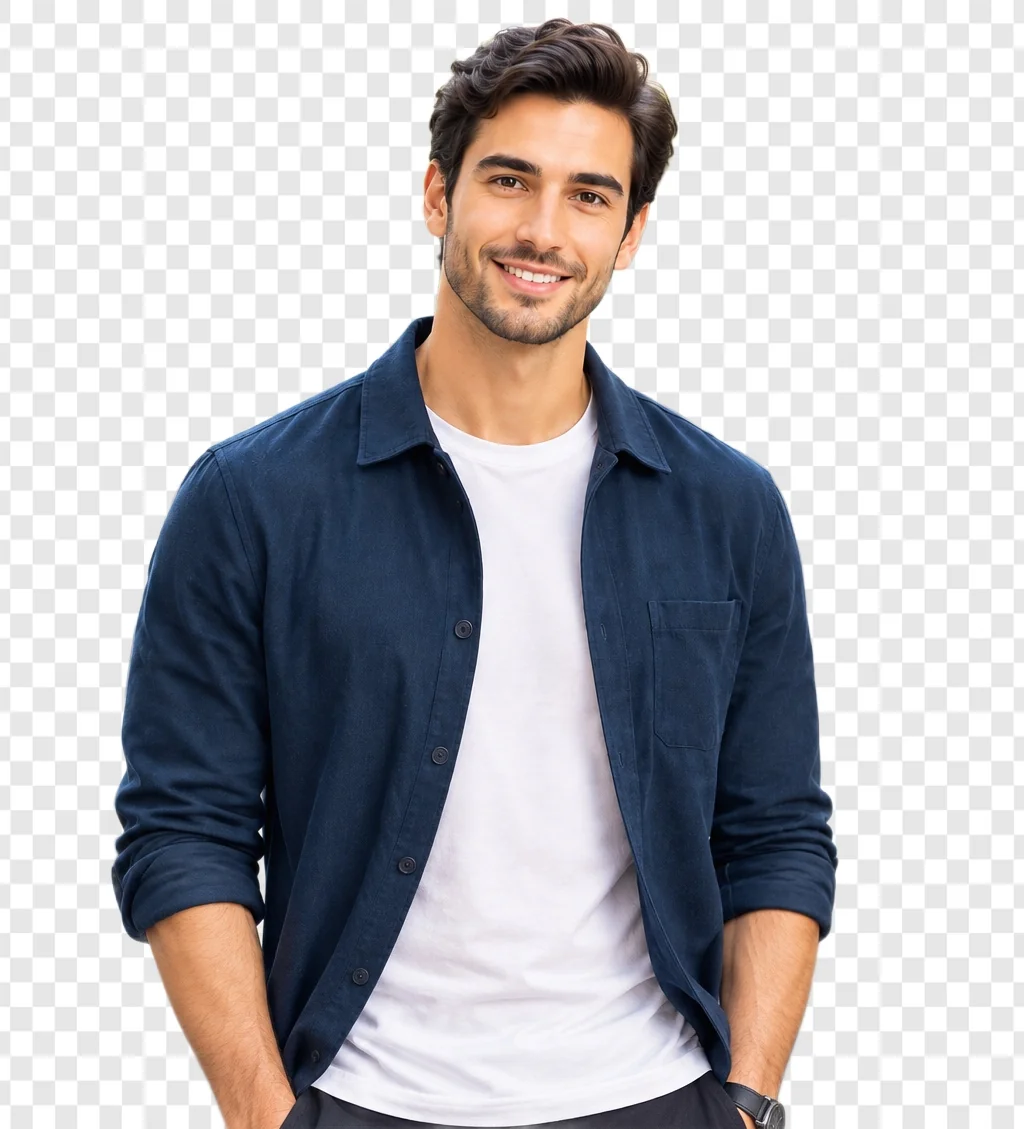
Man isolated from the background
AFTER

People, clothing, and everyday portraits look their best with background removal.

New backgroundPlace subject on a different scene
Man photographed in front of a sunset lake background
BEFORE
Man composited onto a sunset dock background
AFTER

Drop the cutout onto any photo, color, or gradient, using the built-in editor before downloading.

Background blurDepth-of-field portrait effect
Man composited onto a sunset dock background
BEFORE
Man composited onto a softly blurred background
AFTER

Blur the original background behind the subject for a professional, portrait-style, field look.

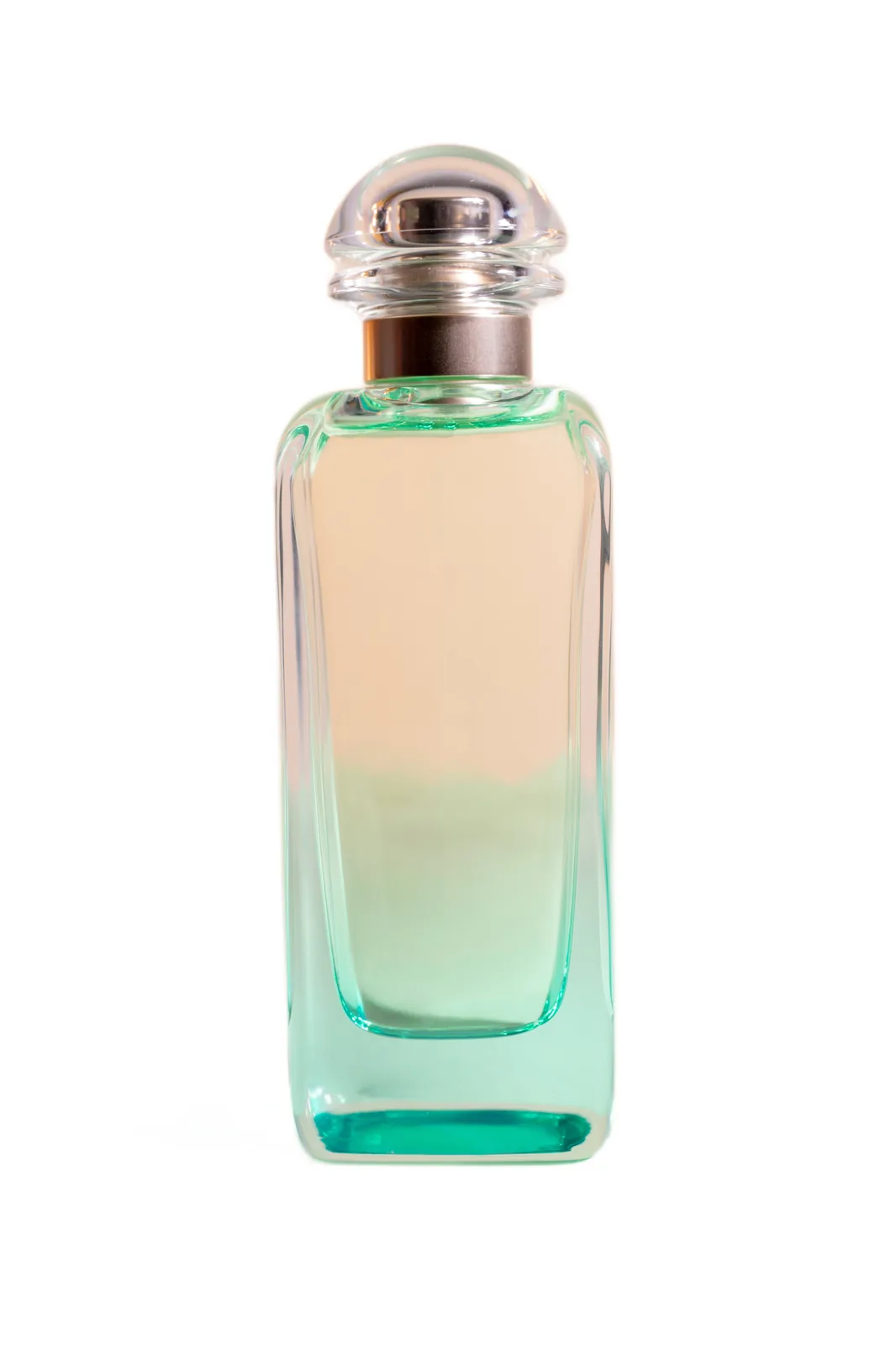
ProductStudio-style object photo
Glass perfume bottle on a white background
BEFORE
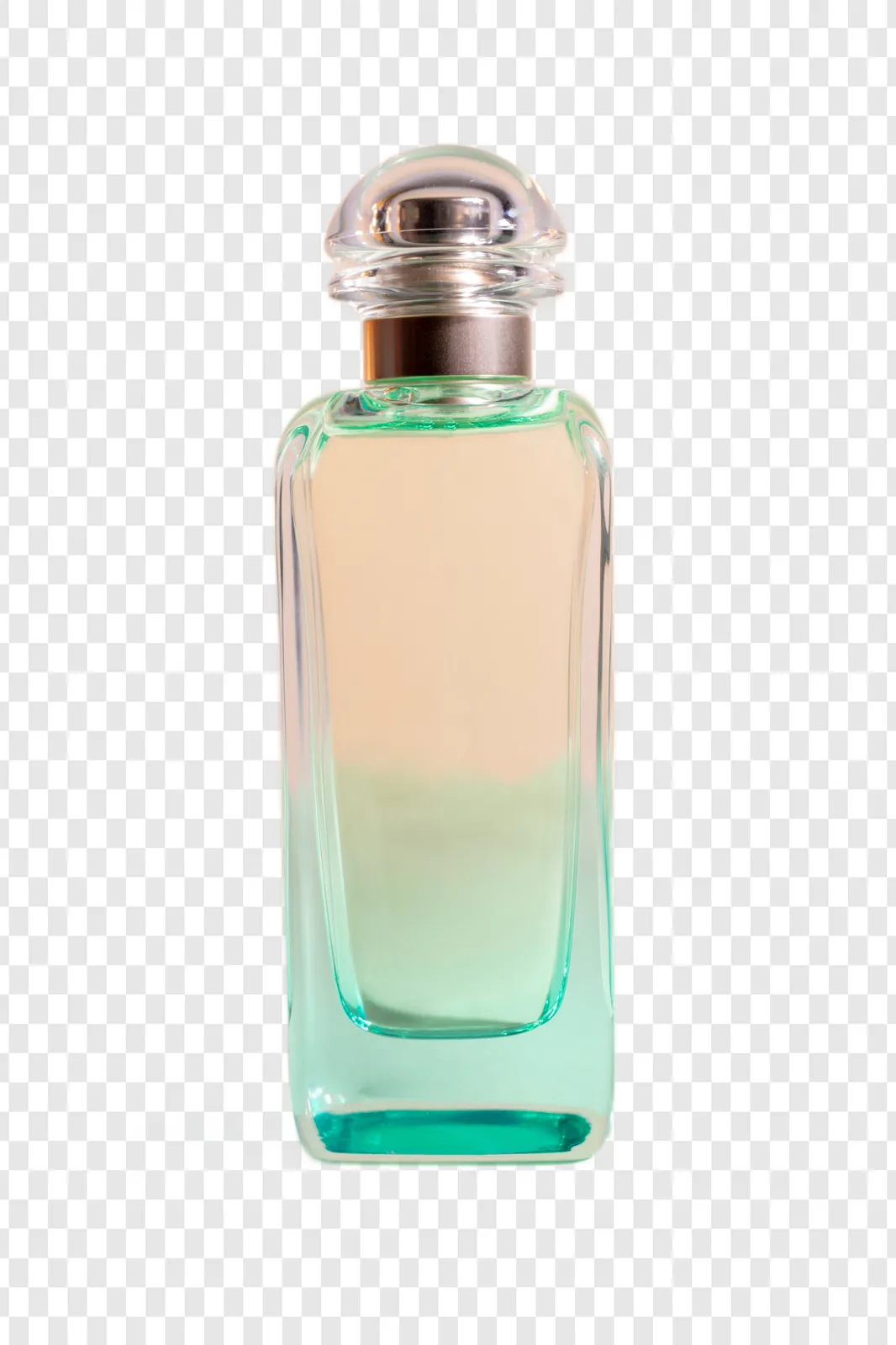
Glass perfume bottle isolated from the background
AFTER

Clean product edges can be separated for e-commerce, marketplaces, thumbnails, and creative layouts.
EcommerceReady for marketplace listings
Product photographed on its original background
BEFORE
Product isolated on a clean white background
AFTER

Prepare consistent product images with a clean white background for online stores and marketplace listings.
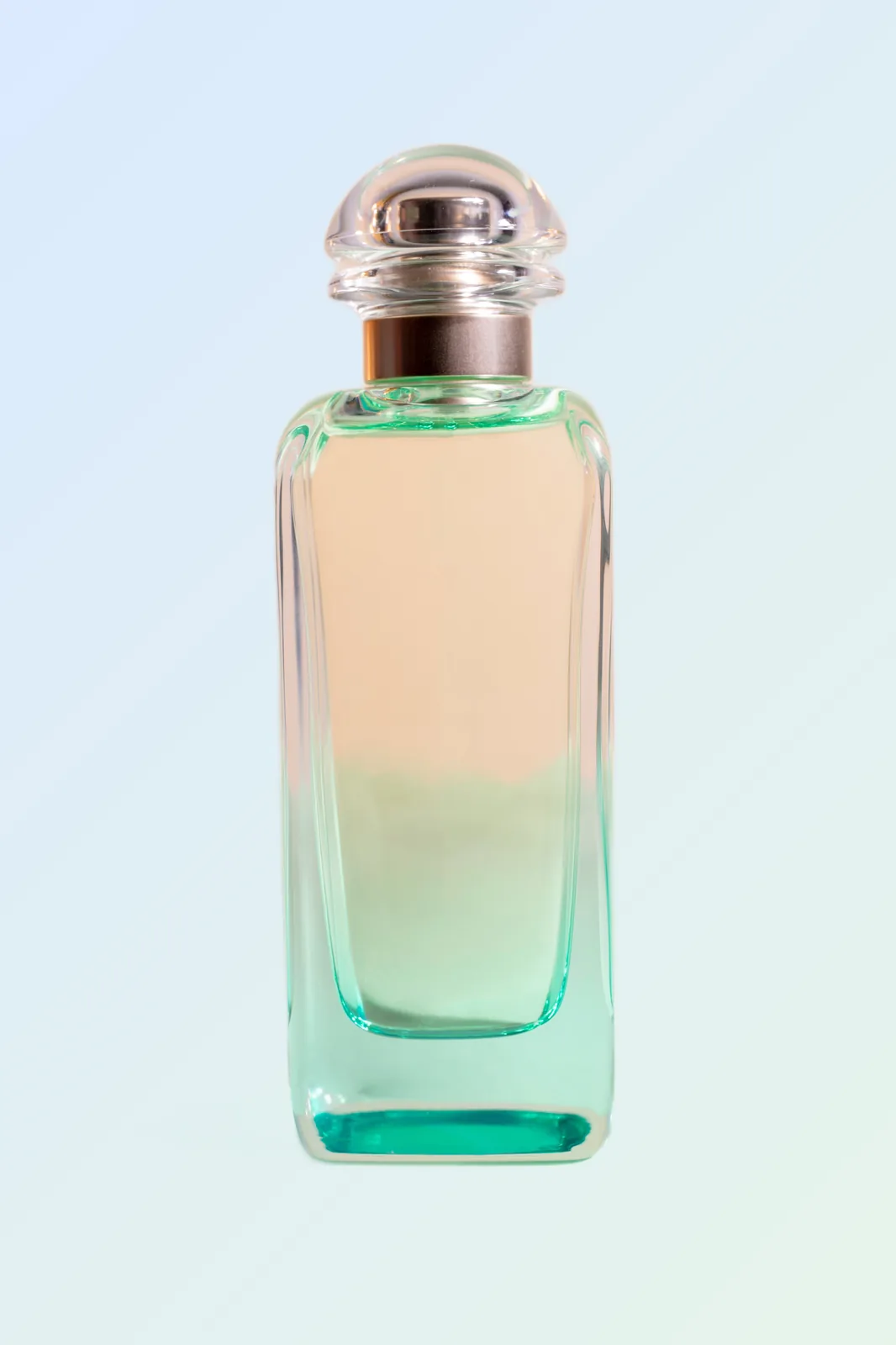
Creative effectsGradient, stroke, and backdrop styling
Product photographed before creative background editing
BEFORE
Product cutout on a custom gradient background
AFTER

Customize the cutout with a gradient background, contour stroke, or backdrop effect for polished visuals.
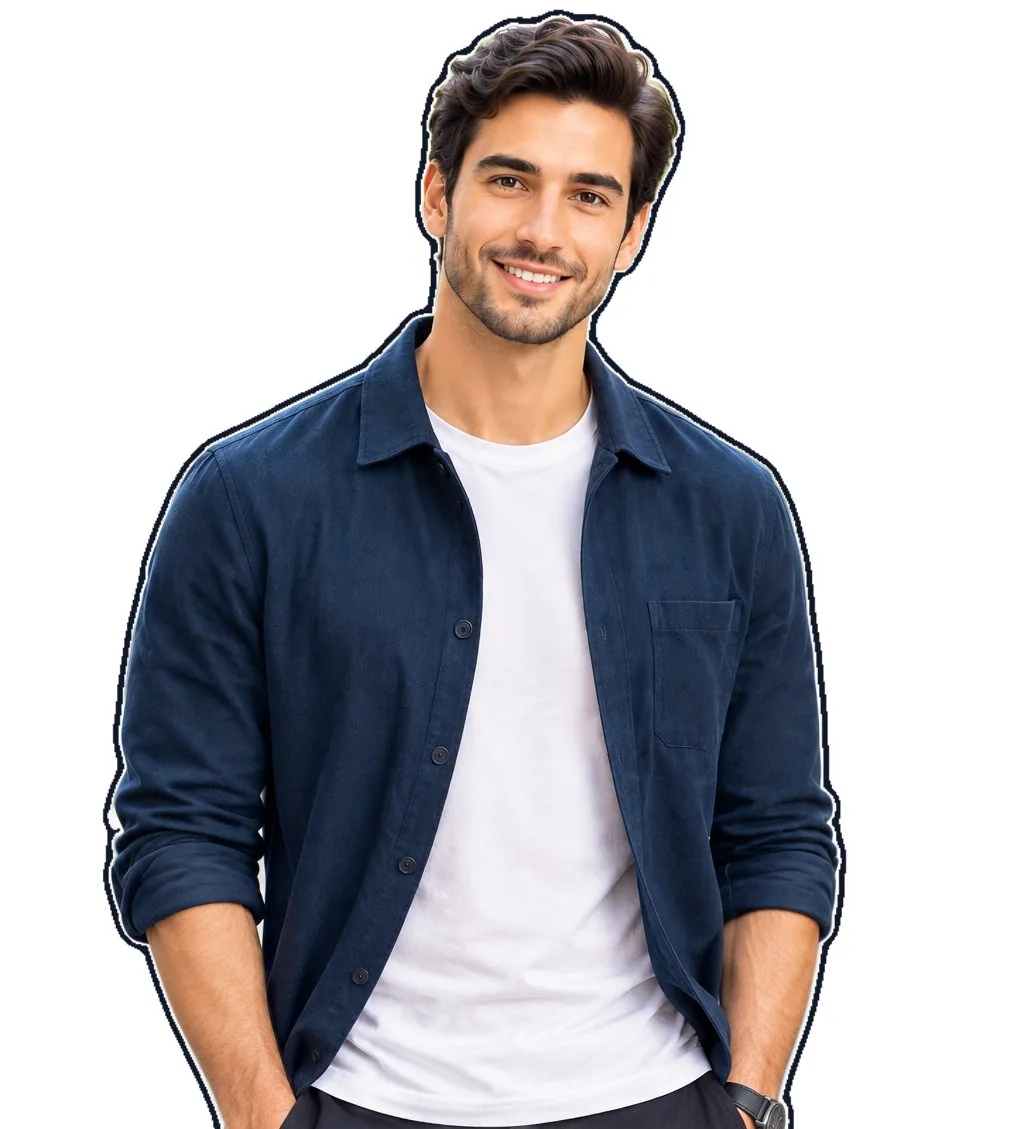
StrokeHighlight the subject with an outline
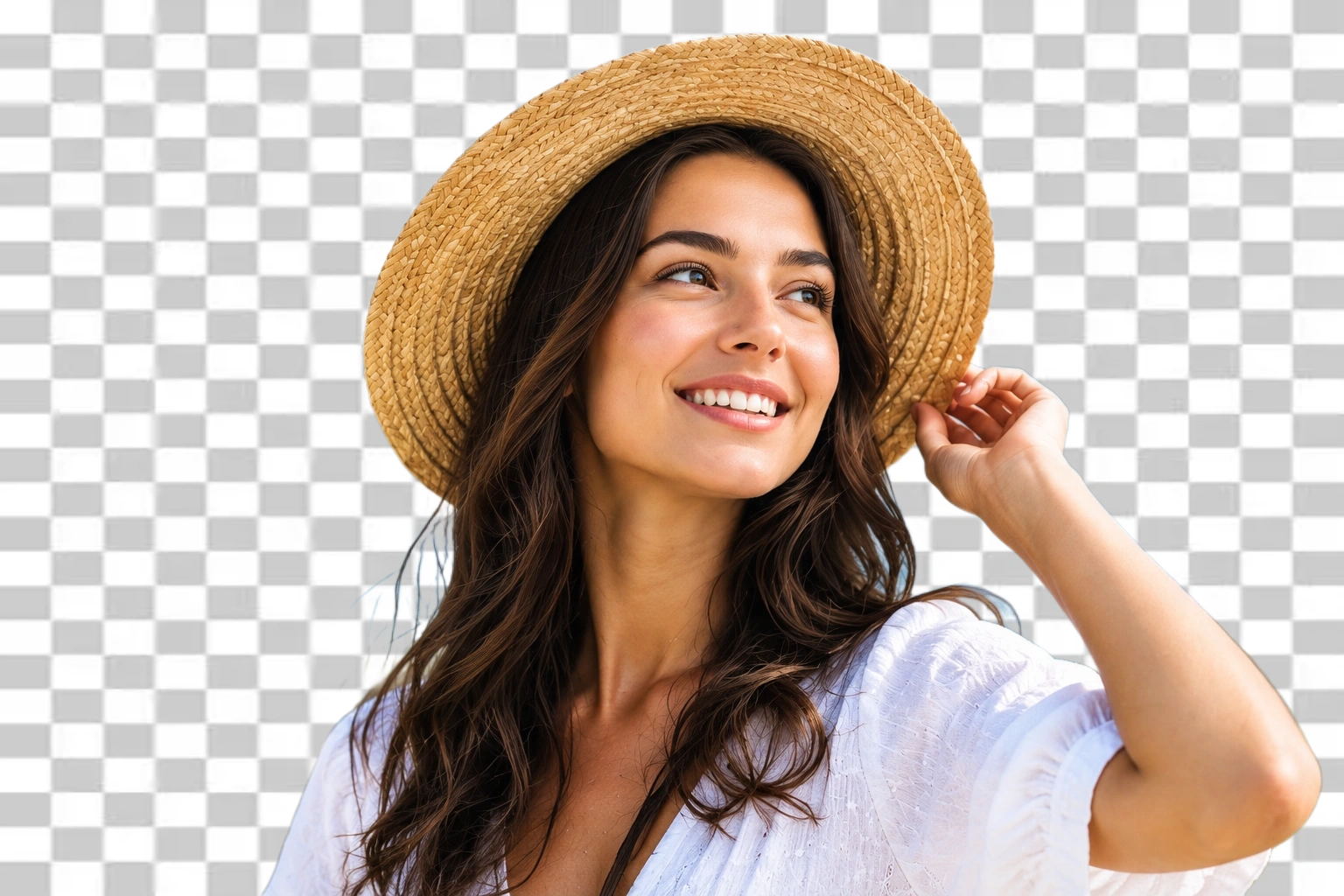
Original portrait before adding an outline stroke
BEFORE
Portrait with a clear outline stroke around the subject
AFTER

Add a clean contour around the subject to make portraits and cutouts stand out in thumbnails and promotions.

Grayscale effectMuted monochrome background styling
Original portrait before applying a grayscale background effect
BEFORE
Portrait with a grayscale background effect
AFTER

Use grayscale styling to reduce background distraction while keeping the subject visually prominent.

Sepia effectWarm vintage background styling
Original portrait before applying a sepia background effect
BEFORE
Portrait with a warm sepia background effect
AFTER

Give the original backdrop a warm vintage treatment while keeping attention on the foreground subject.

Pixelate effectStylized privacy-friendly backdrop
Original portrait before applying a pixelated background effect
BEFORE
Portrait with a pixelated background effect
AFTER

Pixelate the background to create a bold digital look or reduce distracting background detail.

Quality notes

Good output starts with a good source

Output quality depends on the input and on how clearly the subject contrasts with its surroundings. These are practical expectations for the current automatic workflow.

Better
results
Faster
workflow
Cleaner
edges
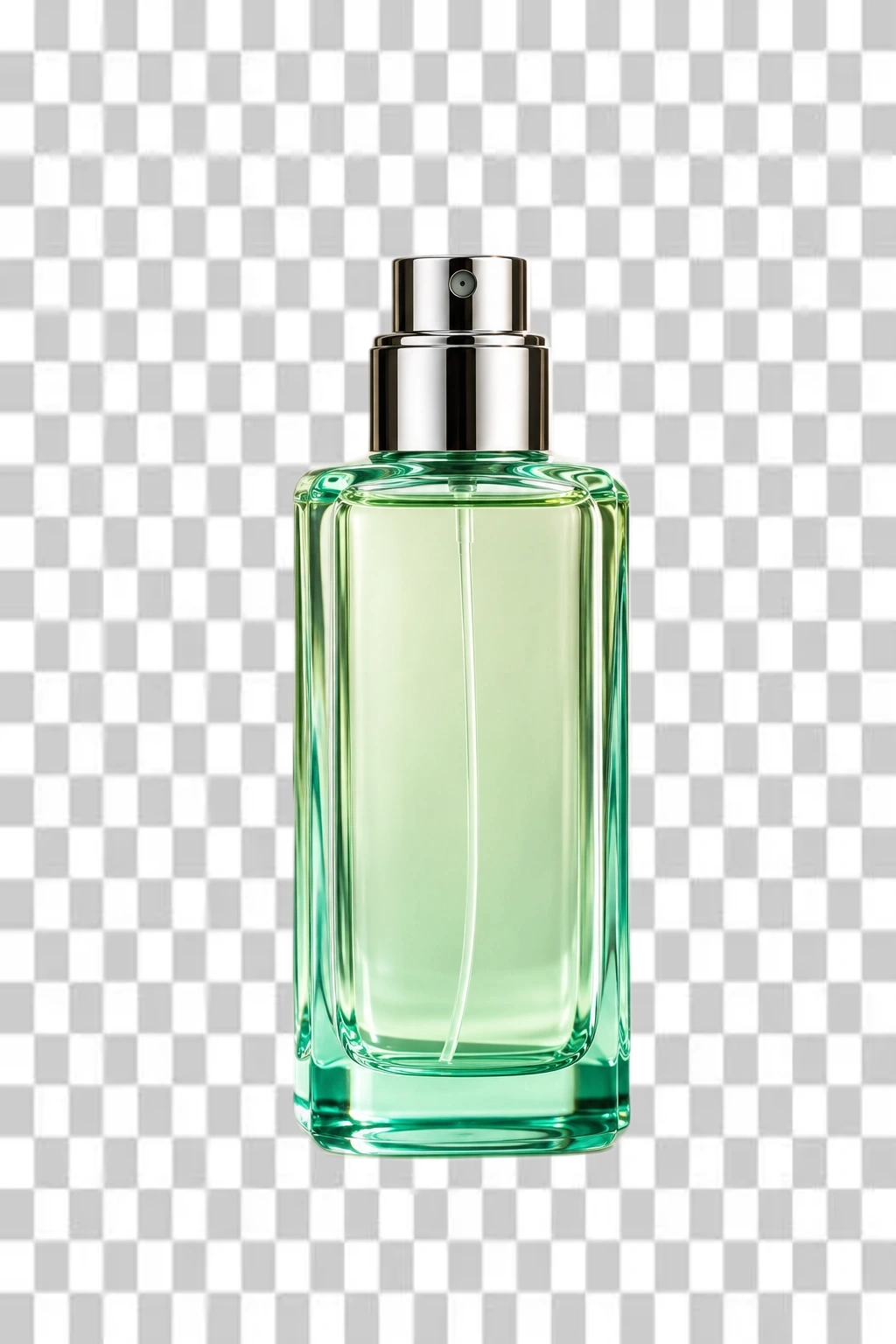
Bottle isolated on a transparent background
Original bottle photo with background
BEFORE AFTER
↔

Usually works well
Clearly framed people, pets, products, and objects against a distinct background.

Inspect before publishing
Fine hair, fur, thin straps, similar-colored edges, motion blur, and clutter can produce soft or missed areas.

Transparent objects are difficult
Glass, smoke, veils, reflections, and semi-transparent parts do not have a single solid boundary, so some background detail may remain or be removed.

Keep the original
Our server-side editor creates a transparent PNG; compare the full-resolution result at 100% before using it in a final design. A higher-resolution, well-lit source generally gives cleaner edges.

Common questions & uses

Common uses for background removal
  • E-commerce listings: Clean cutouts for Amazon, Shopify, eBay, and product catalogs
  • Design assets: Transparent PNGs for brand logos, stickers, and composite graphics
  • Portraits & ID cards: Cutouts for profile pictures, company badges, and documents
  • Social media: Standout thumbnails, banners, and marketing flyers without green screens
Why use an online background remover?
Manual edge selection in desktop photo editors can take 15–30 minutes per photo, especially around fine hair and complex curves. CleanCutBG processes the image server-side in seconds using neural segmentation — no tracing, no install.
  • Instant cutouts: People, products, animals, and objects in one pass
  • Zero quality loss: Original resolution and edge sharpness preserved on download
  • No account required: Free without any registration
Which export format should I use?
  • PNG: Industry standard for transparency. Best for logos, print, and web overlays.
  • WebP: Full transparency with noticeably smaller file sizes — great for web speed.
  • JPG: No transparency support. Removed areas fill with solid white automatically.
How do I customize the background and add outlines?
After the cutout is ready, the built-in editor lets you style before downloading:
  • Solid colors & gradients: White, black, custom hex, or studio gradients
  • Custom backdrops: Upload your own photo to composite the subject into a new scene
  • Contour stroke: Outline border with custom thickness, color, and style (solid, dashed, dotted, double, glow)
  • Depth effects: Blur, sepia, grayscale, or pixelate the original backdrop
  • Quick exports: Transparent PNG, WebP, JPG, GIF, or WhatsApp sticker
Is this tool completely free?
Yes. No paywalls, no subscriptions, and no watermarks on your downloaded images.
Does it work on mobile and tablet?
Yes. Processing runs on our servers, so iOS Safari, Android Chrome, and tablet browsers all work without installing any app.
What file types and sizes are supported?
Upload JPG, PNG, JPEG, or WebP files up to 20 MB. The editor preview renders quickly; full-resolution output is generated at download time.
How is my privacy protected?
Uploaded photos are held in server memory only for the seconds needed to compute the cutout. Files are never stored on disk, never used for model training, and never shared with third parties.

📖 More reading

Spotted a bug in Remove Background?

Email [email protected] with a screenshot, the steps to reproduce, and your browser/device info. Feature requests and feedback go to the same address.

Your upload is processed for the requested edit and is not used as a public example. For storage details, read our privacy policy.